
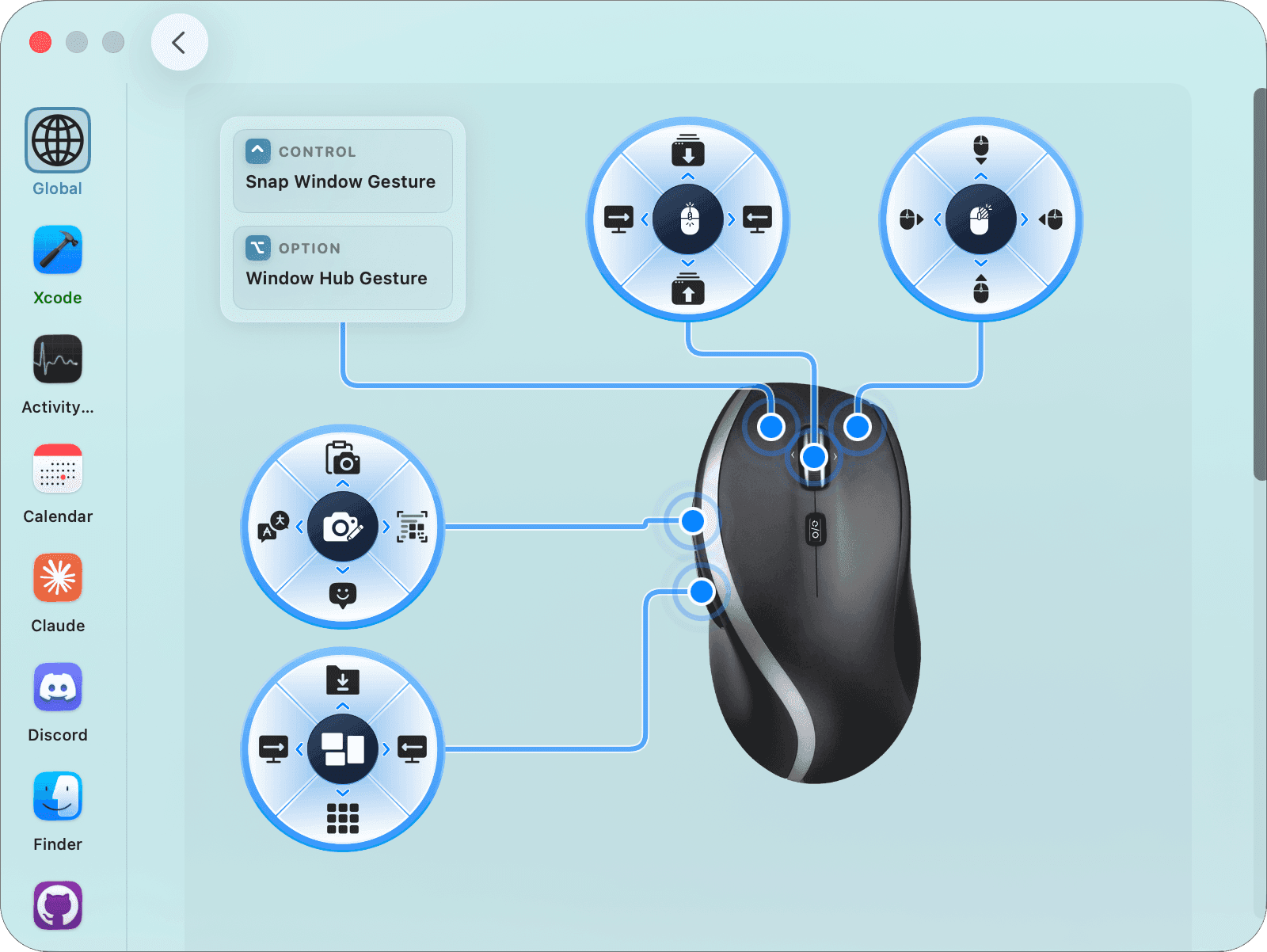
See Every Gesture in Action
Click any action below to watch the mouse perform it live.
to try
Turn Any Mouse Into a
Productivity Tool
Gestures, hotkeys, per-app actions and more — all from your mouse.
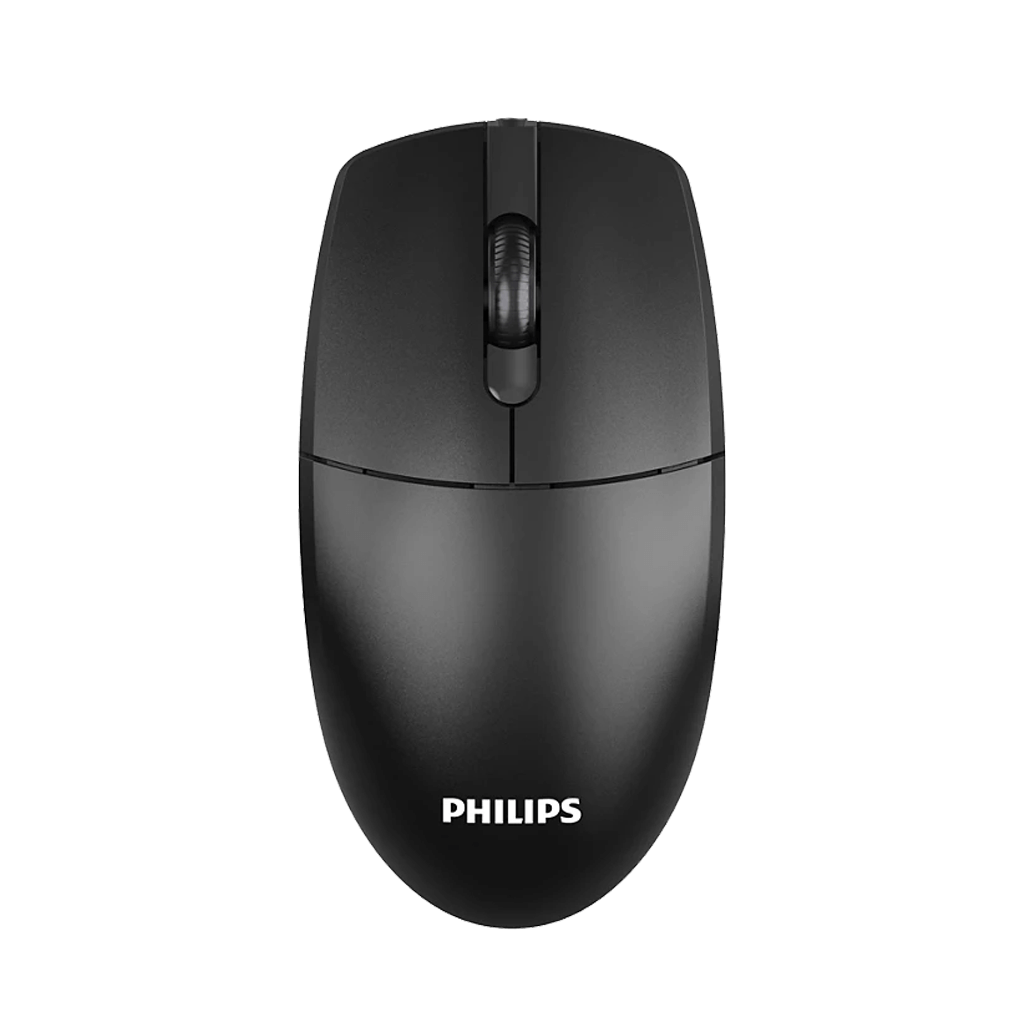
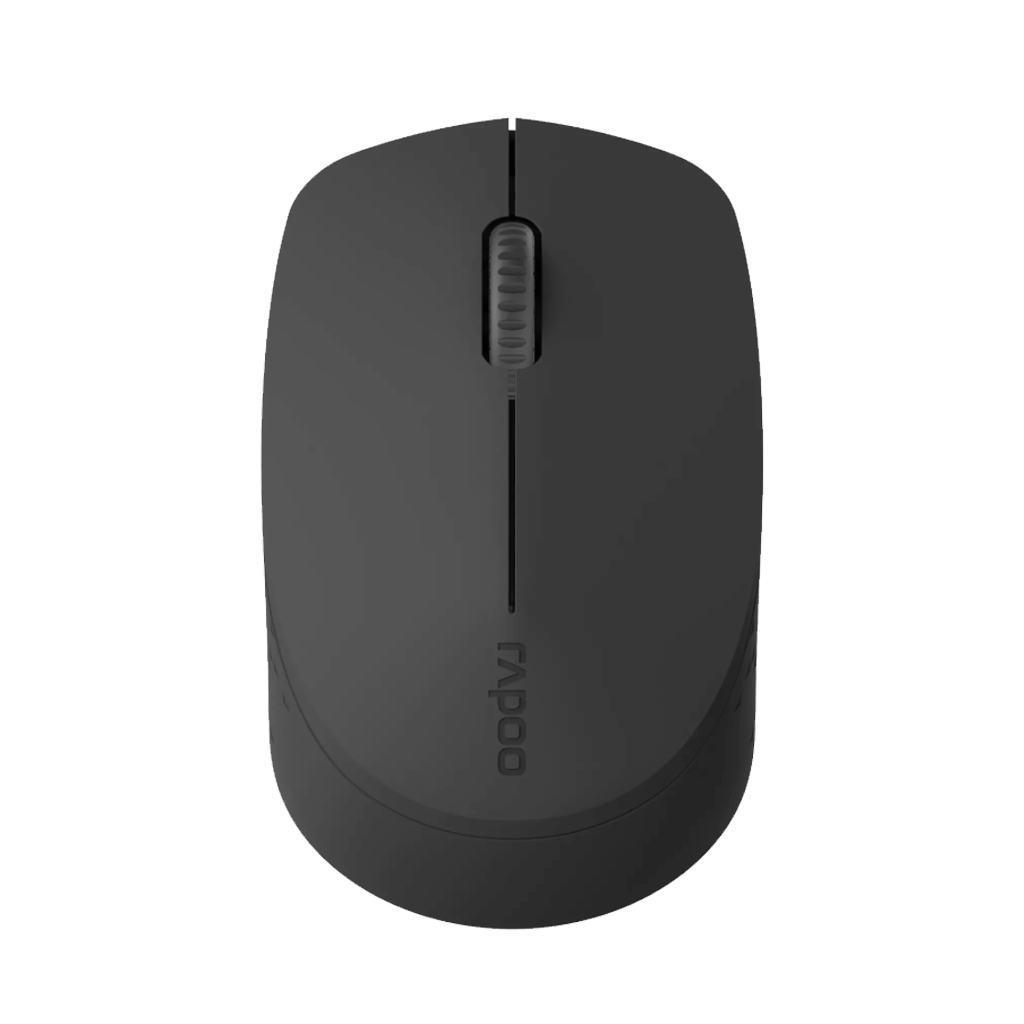
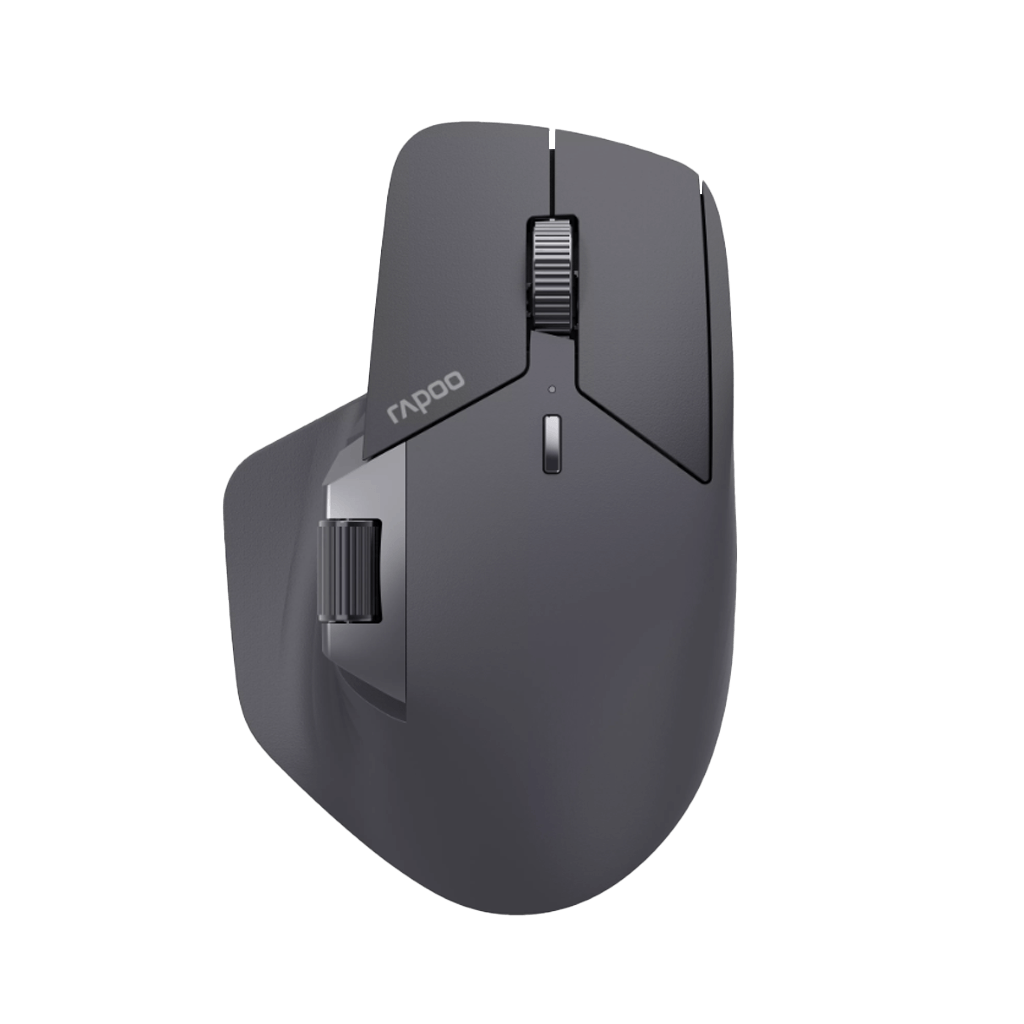
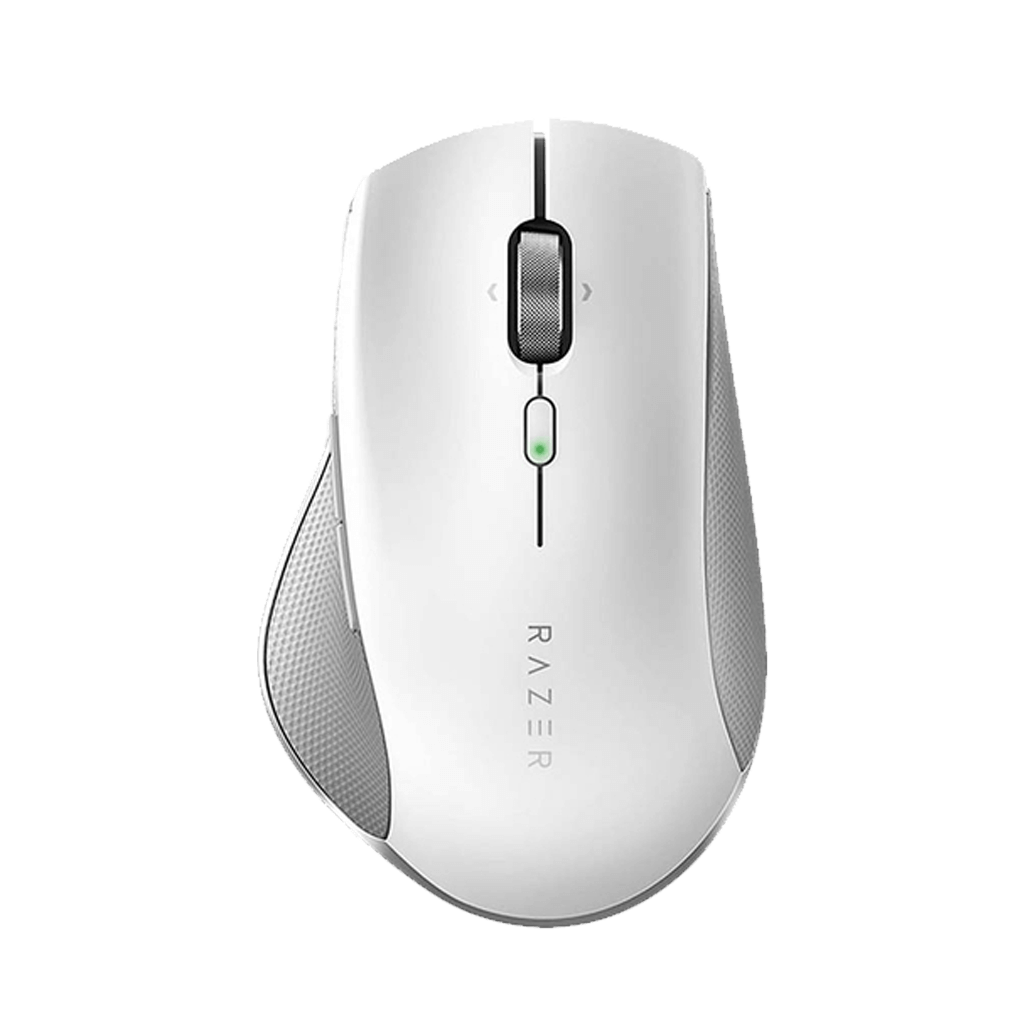
Use any mouse with 3, 5, 7 or more buttons. All buttons are supported.
Set any action for each button. You can also make your own gestures.
Set different actions for each app. Your mouse changes with your work.
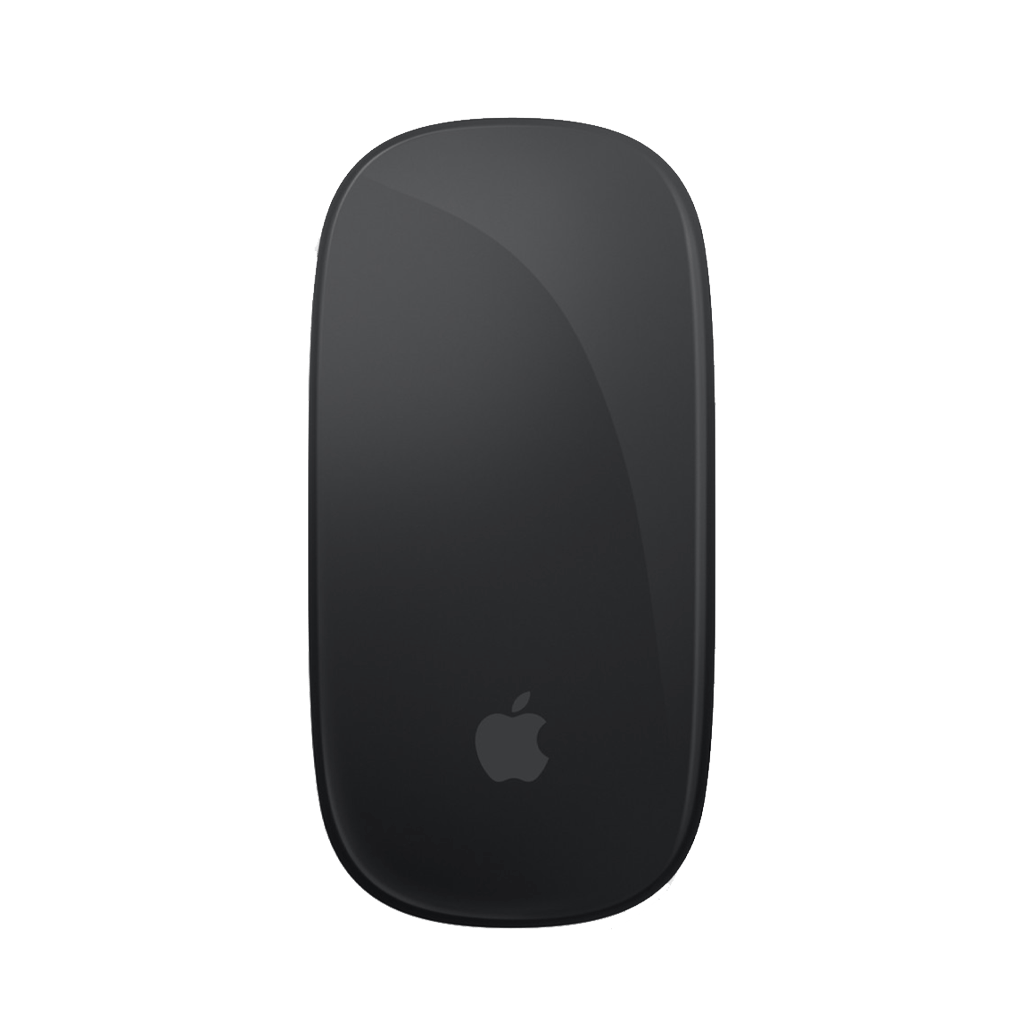
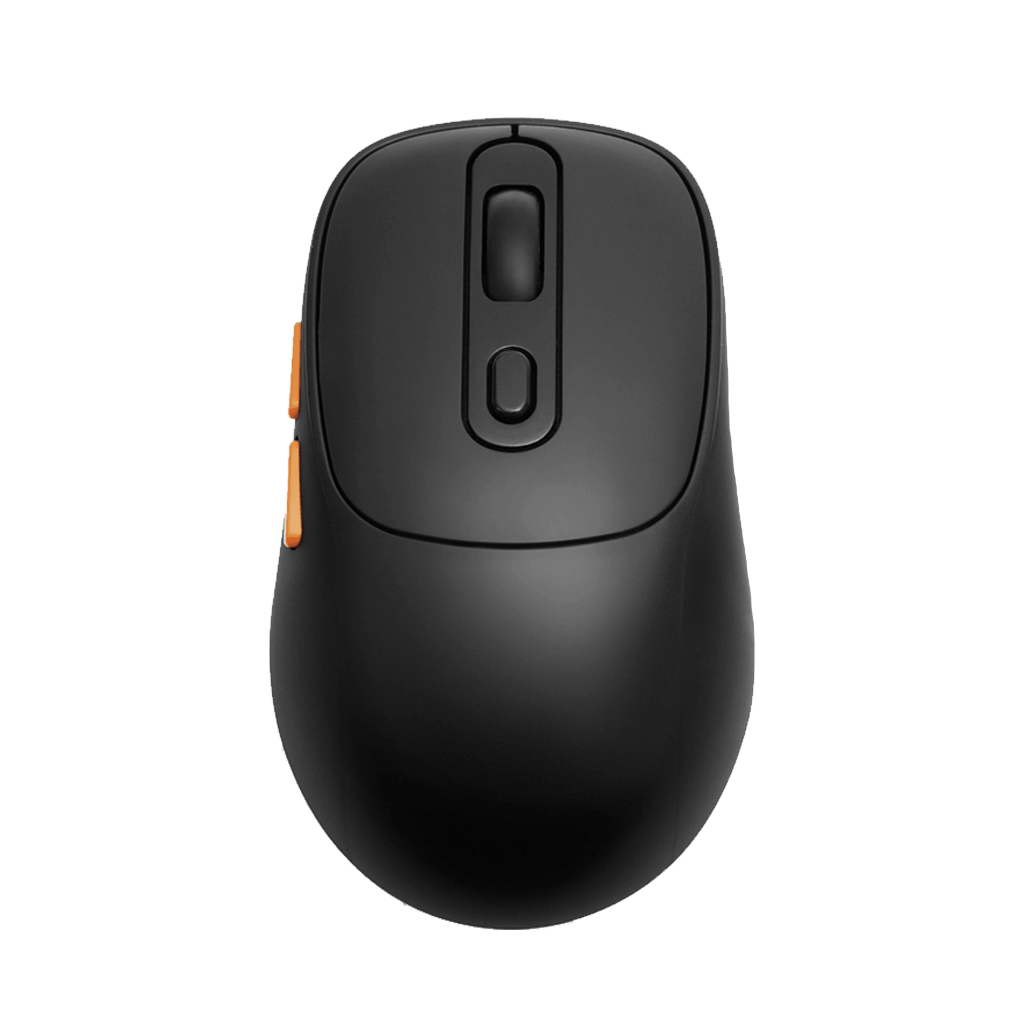
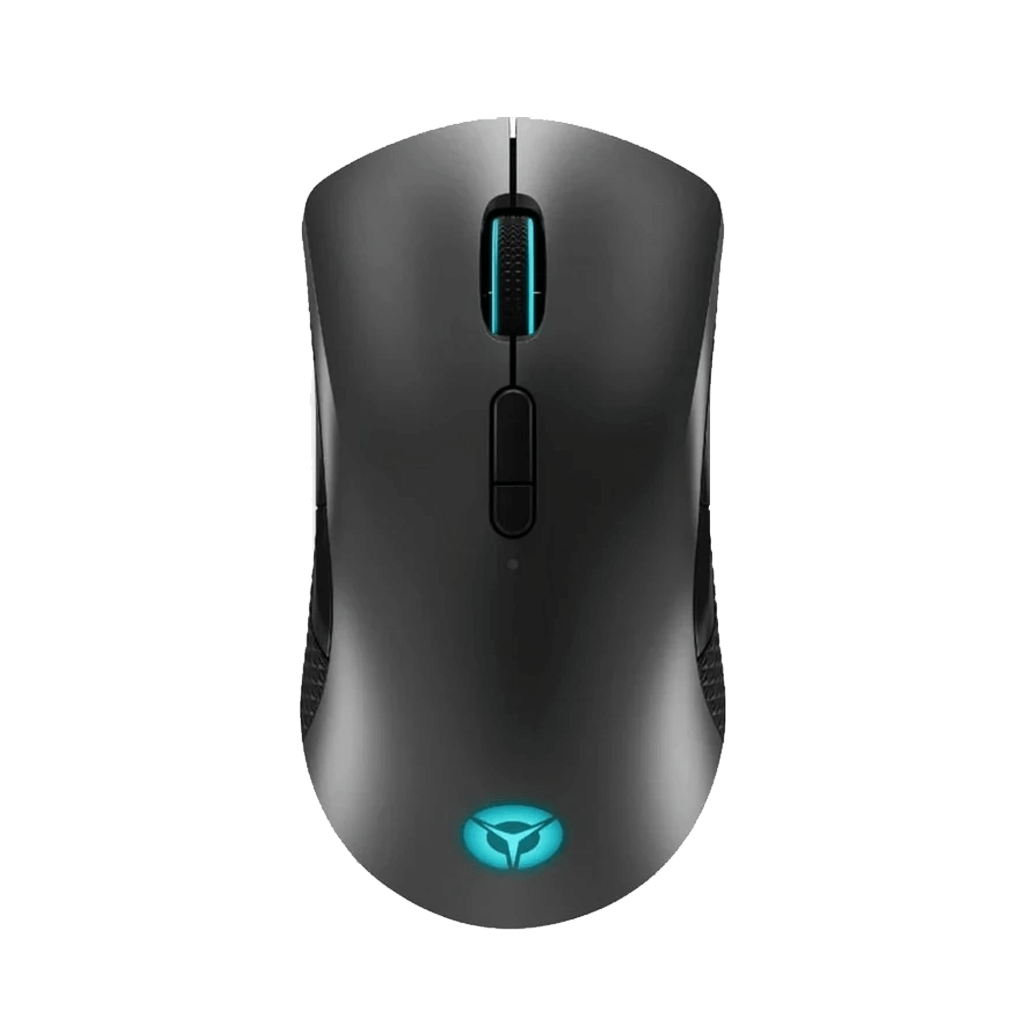
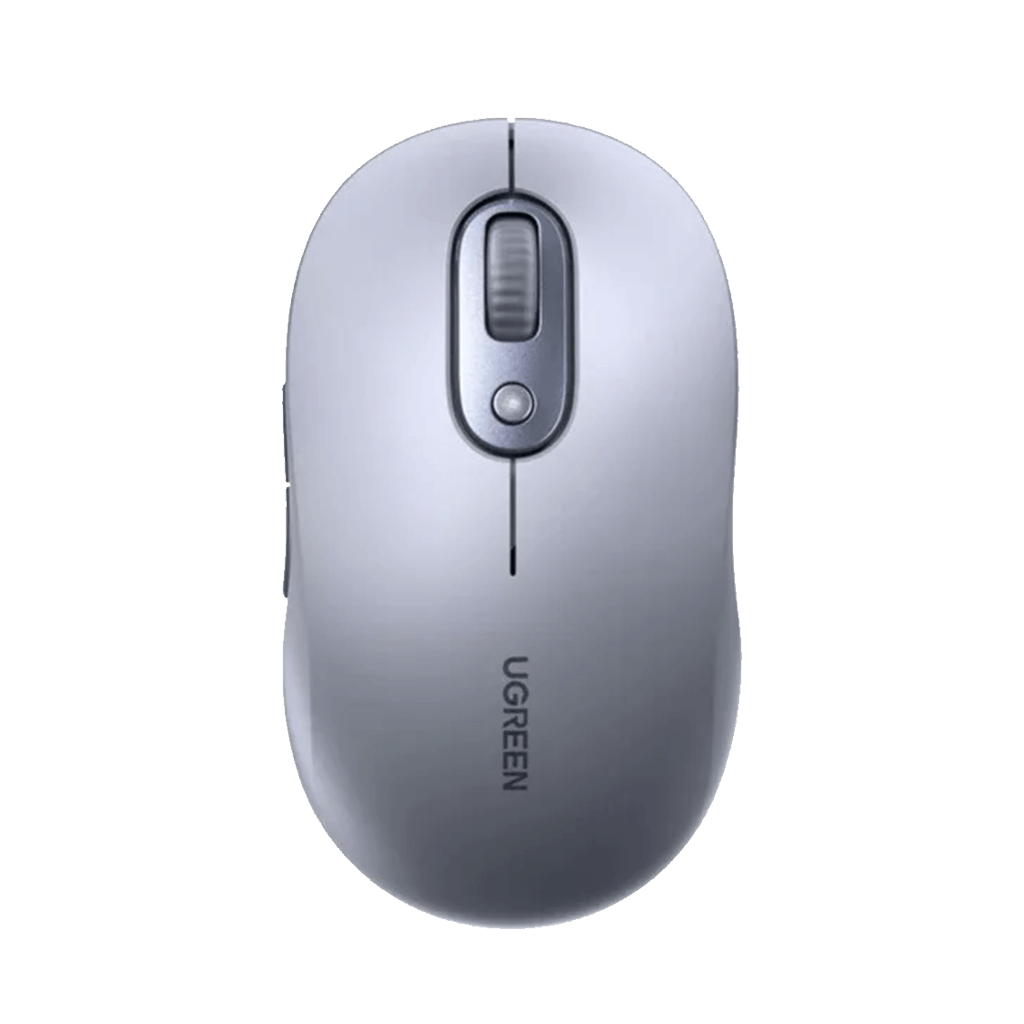
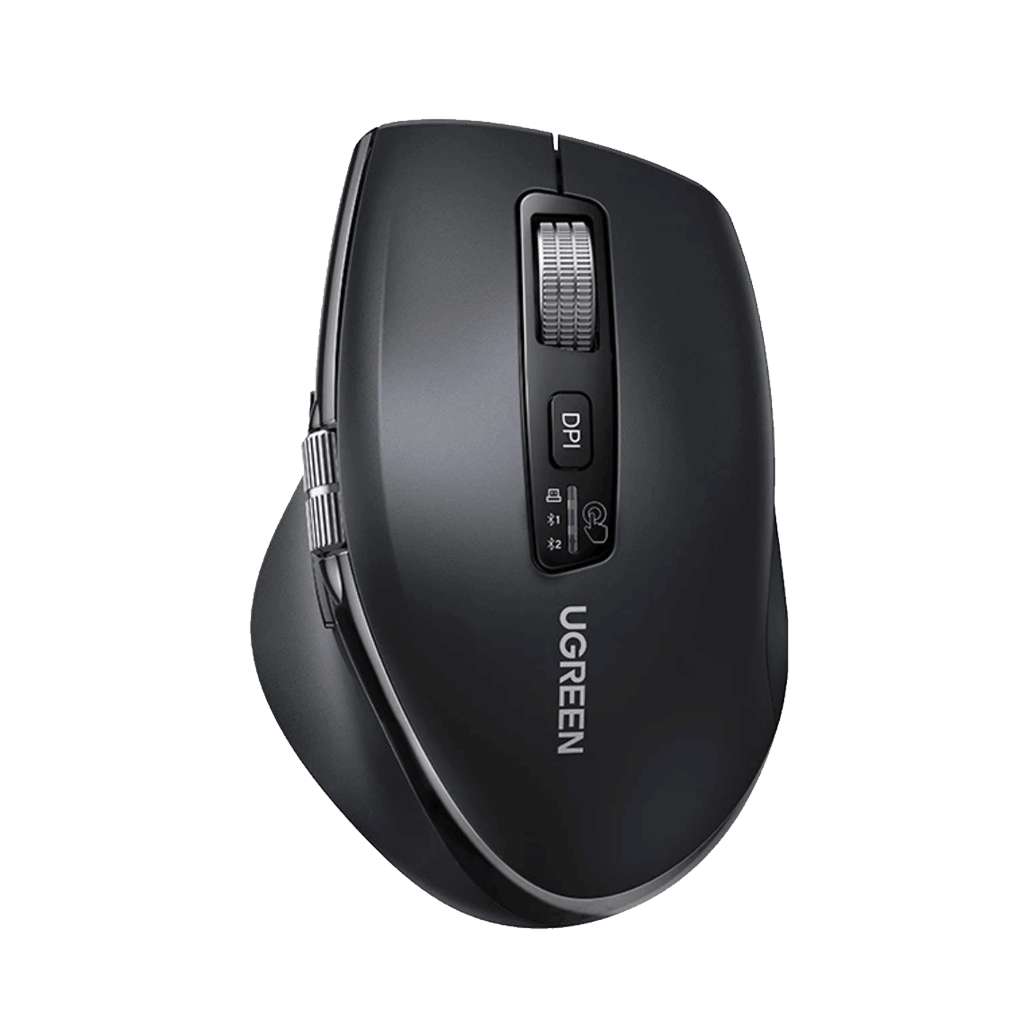
Run a keyboard shortcut from a mouse button. No need to touch the keyboard.
Change mouse speed, scroll speed and scroll direction. Make it feel right.
Clipboard, screenshot editor, emoji and more. All in one app.
Assign actions to your
mouse buttons
Click, hold, then drag in four directions to trigger commands. Fully customizable and intuitive.
Swipe Up
Maximize window
Swipe Down
Minimize to dock
Swipe Left
Navigate back
Swipe Right
Navigate forward
Built-in Tools to Boost Your Productivity
Work Faster with Clipboard Manager, Emoji & Screenshot Editor.
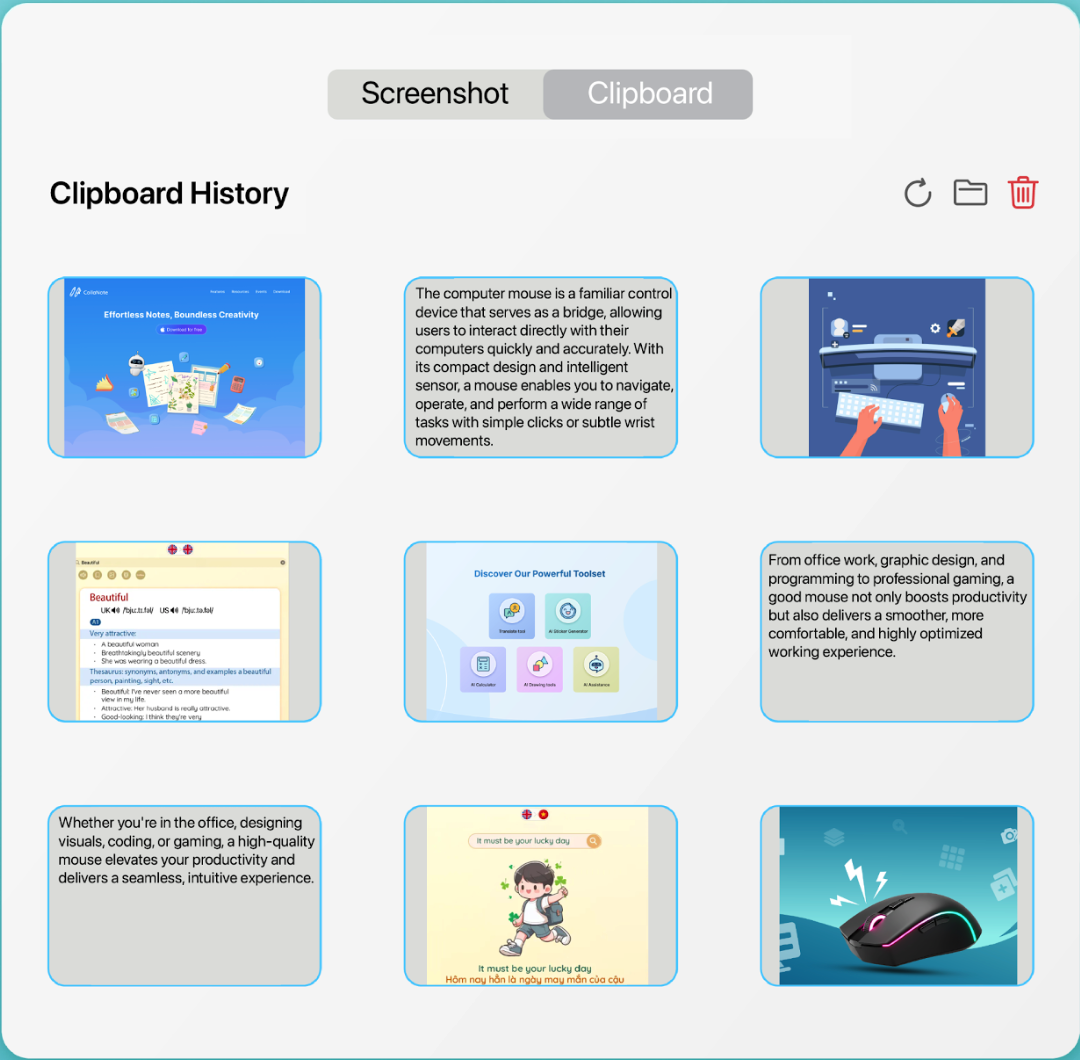
Clipboard Manager
Every text, link, or image you copy is automatically saved and organized. Reuse any item instantly with a single click.
Full history
Never lose anything you've copied again
Search clipboard
Find any past copy in seconds
One-click reuse
Paste any previous item without re-copying
Watch How MouseGic Works
A quick walkthrough of all the features that will supercharge your workflow.
Got Questions?
Everything you need to know about MouseGic — quick answers, no fluff.
Yes, MouseGic allows you to set custom mouse gestures for each app, helping you optimize your experience and perform commands quickly depending on the app you're using.
MouseGic is designed to be lightweight and optimized, so it doesn't slow down your computer's performance. However, if your system is already experiencing resource issues, running many apps at once could slow things down.
Yes, MouseGic works with both a mouse and a trackpad, allowing you to customize gestures for both to easily perform actions without using the keyboard.